
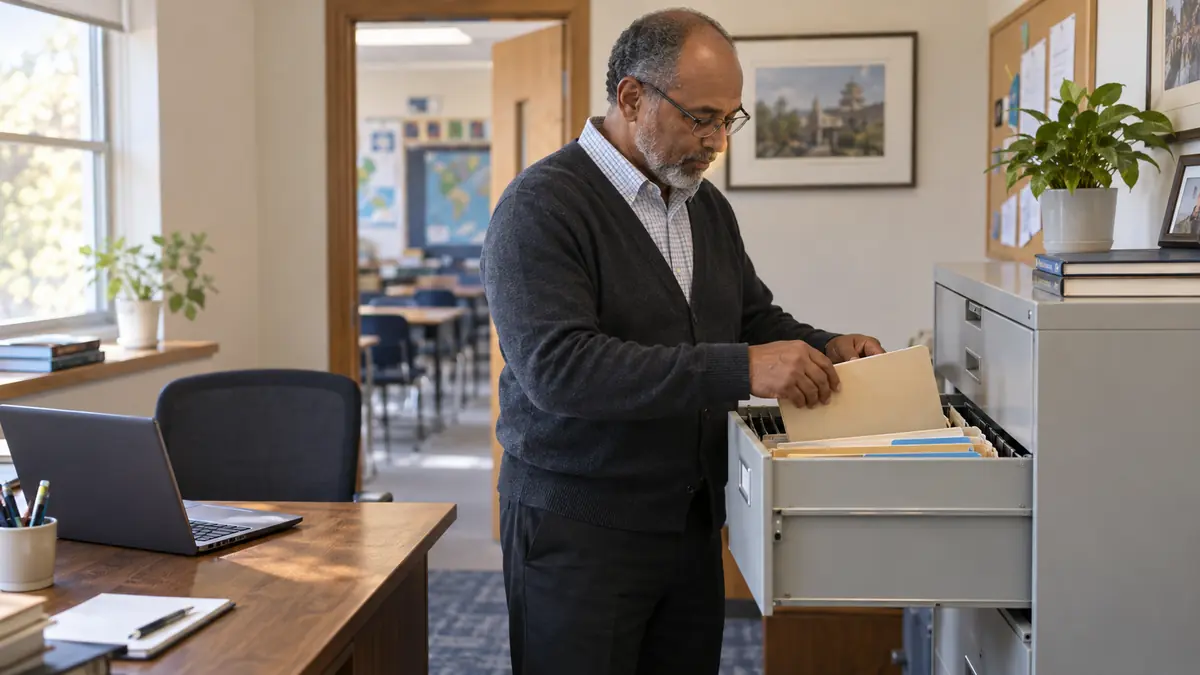
Student records rarely become disorganized all at once. A paper application stays in a desk drawer. A medical update arrives by email. A parent changes an address on a form, but the spreadsheet is never updated. A teacher keeps a separate list because the office copy is incomplete. Over time, the school has several records—and no one is fully certain which one is authoritative.
A small Christian school does not need a district-sized records department. It does need a clear source of truth, assigned responsibility, appropriate access, predictable updates, and a plan for preserving the records it must keep.
The goal: The right information should be accurate, findable, protected, and available to the right person when the school needs it.
1. Define the authoritative student record
Choose the system or file set that represents the school’s official current information. Write that decision down. If staff use paper, a shared drive, spreadsheets, and software, identify which location controls each category and how updates reach it.
A source of truth does not mean every document must live in one format. It means the school knows which record wins when two copies disagree.
2. Separate records by purpose
Current operational information helps the school serve the student today. Permanent academic records document the student’s history. Sensitive records require narrower access. Working files support temporary tasks but should not quietly become the official record.
| Record group | Examples | Access approach |
|---|---|---|
| Current operational | Contact, household, enrollment status, class assignment | Available to staff who need it for current work |
| Permanent academic | Final report cards, transcript, credits, completion history | Preserved under the applicable retention policy |
| Sensitive/restricted | Health, custody, discipline, financial or pastoral information | Limited by role and legitimate need |
| Working/temporary | Draft lists, reminders, processing copies | Removed or archived after the task under policy |
3. Decide what belongs in each student file
Build a school-specific checklist rather than copying a public-school list without review. Common categories may include identity and contact information, enrollment and withdrawal records, emergency contacts, custody or access restrictions provided to the school, academic history, attendance, report cards or transcripts, health information the school is authorized or required to maintain, permissions, and significant correspondence or decisions.
4. Assign ownership and role-based access
Name the person responsible for record completeness. Then define who may view or change each category. Teachers may need current contact, class, attendance, and academic information without needing access to every financial, medical, disciplinary, pastoral, or custody-related document.
Use individual accounts where practical. Shared logins make it difficult to remove access when responsibilities change or to determine who changed a record.
5. Prevent conflicting copies
Email and text messages are delivery channels, not reliable record systems. When consequential information arrives, move it to the authoritative record and note the date and source. Avoid downloading editable copies into personal folders unless the workflow requires it.
Use a consistent naming convention for documents. Include the student, document type, and relevant date without placing sensitive details in filenames visible to people who should not see them.
6. Schedule routine updates
Records stay accurate when review is tied to predictable events rather than memory. Update and verify information during application, enrollment, the start of each year, reporting periods, material family changes, withdrawal, graduation, and transfer requests.
| Trigger | Minimum review |
|---|---|
| Enrollment | Identity, household, contacts, permissions, prior records, program placement |
| Year opening | Addresses, emergency contacts, authorized adults, health and custody notices |
| Quarter/semester | Attendance, grades, report cards, unresolved exceptions |
| Family change | Contact, household, access, billing, communication routing |
| Withdrawal/transfer | Final attendance and grades, balances or obligations, records request and release |
| Graduation | Final credits, transcript, completion documents, permanent archive |
7. Handle corrections and requests consistently
Create one route for families to submit corrections or record requests. Verify identity and authority before releasing information. Record what was requested, what was provided or changed, when, and by whom. Preserve the history of material corrections when required by policy or law.
8. Build the retention schedule that applies to your school
There is no single nationwide retention period for every record in every private school. Identify state requirements, accreditor expectations, governing-board policy, funding or program obligations, contractual commitments, and any legal hold. Distinguish permanent academic records from temporary operational material.
Document the schedule by record category, owner, retention period, storage location, and approved disposal method. Obtain qualified legal guidance where the requirements are unclear.
9. Prepare for turnover, exports, backups, and closure
The record system must outlast the person who designed it. Keep a current procedure, remove access promptly when roles change, test backups or exports, and ensure more than one authorized leader knows how to retrieve essential records.
A private school should also know what its jurisdiction requires if the school closes. Waiting until closure to decide where permanent records will go is too late.
Student-records audit checklist
- The school has named its authoritative record for each category.
- Every active student has a complete, findable file.
- Required documents are tracked as present, missing, expired, or not applicable.
- Access matches current job responsibilities.
- Consequential updates from email, paper, or conversation reach the official record.
- Routine review dates are assigned.
- Record requests and material corrections follow a documented process.
- The retention schedule is specific to the school’s jurisdiction and obligations.
- Backups or exports have been tested.
- Staff turnover and school closure procedures identify custody of essential records.
Good records support personal ministry
Order does not make a Christian school impersonal. Accurate records help the school keep commitments, protect families, answer questions fairly, and avoid asking parents to provide the same information repeatedly. A simple system creates more room for personal care because routine administration no longer depends on memory.
For related guidance, read the small Christian school admissions workflow and see how School Central connects student and family records.
Frequently Asked Questions
What belongs in a private-school student record?
The answer depends on jurisdiction and school obligations. Most schools will maintain identity, enrollment, contact, academic, attendance, and completion information, with additional categories defined by applicable requirements and school policy.
Does FERPA apply to every private Christian school?
No. The U.S. Department of Education states that FERPA applies to institutions receiving funds from programs it administers; private and parochial elementary and secondary schools generally do not receive those funds and generally are not subject to FERPA. A school may still have state, contractual, accreditor, privacy, or program obligations.
Should student records be paper or digital?
Either may be part of a sound system. The essential questions are accuracy, authority, access, security, retention, backup, and retrieval—not format alone.
How long should a private school keep student records?
There is no universal answer. Build a category-specific schedule from state law, accreditor and governing requirements, program obligations, and qualified advice.
How should a school respond to a records request?
Use a consistent written process: verify the requester’s identity and authority, identify the applicable record, document the request and response, and release information securely within the deadline that applies.
Less paperwork. More time for ministry.
School Central brings enrollment, billing, attendance, grades, records, and parent communication together in one dependable platform built for small Christian schools.